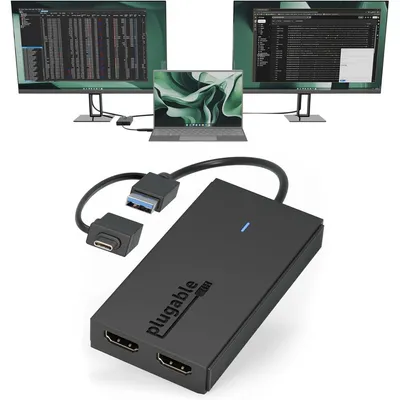
Plugable
Plugable USB C And USB 3.0 To Dual HDMI Adapter Universal Video Graphics Dongle For Mac And Windows
₹7,009₹8,00012% off
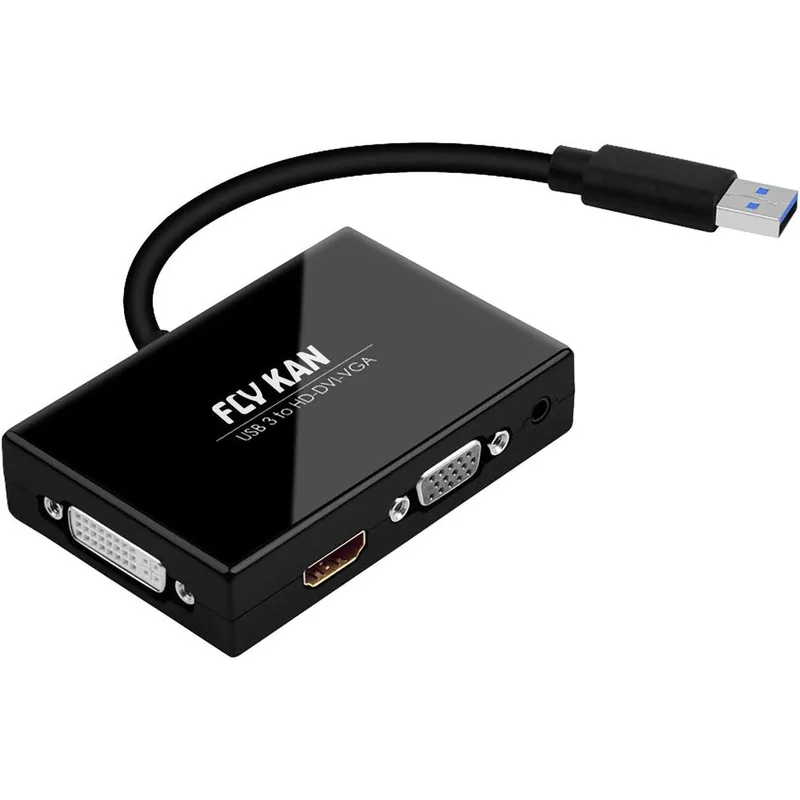
The Fly Kan USB 3.0 to HDMI, DVI-D, and VGA External Graphics Card Adapter is the ultimate workstation upgrade for professionals looking to expand their screen real estate. This high-performance external video card lets you bypass your laptop or desktop computer's built-in display limits by adding up to two additional monitors via a single standard USB-A 3.0 port.
Designed specifically for productivity-focused users, it supports flexible dual-display configurations such as HDMI and DVI-D or HDMI and VGA combinations simultaneously. Whether you need to mirror your primary desktop for a presentation, extend your workspace to manage multiple spreadsheets and documents, or set up an entirely independent primary display, this adapter handles it seamlessly with high-definition resolutions up to 1920x1080p at a smooth 60Hz refresh rate.
It functions as an external graphics card powered entirely by the USB bus, meaning you do not need an external power supply or bulky desktop docking stations. It is perfectly suited for Windows operating systems, offering an efficient plug-and-play experience after an effortless initial driver setup.
Ideal for remote office setups, stock trading, coding, and creative editing layouts, this premium device brings desktop-level multi-display efficiency directly to your ultra-thin laptop, notebook, or desktop PC.
High-grade aluminum and ABS thermoplastic housing shell, premium copper conductors, gold-plated video connectors, integrated video processing display chipset, internal multi-shielded PVC jacket insulation.
As printed by the brand. Check the pack label if you have an allergy.
| Brand | Fly Kan |
|---|---|
| Category | USB-to-VGA Adapters |
| Ships from | USA (sourced directly), checked in Navi Mumbai |
| Sold by | Dropy.in |
Ratings & reviews
Plugable
₹7,009₹8,00012% off
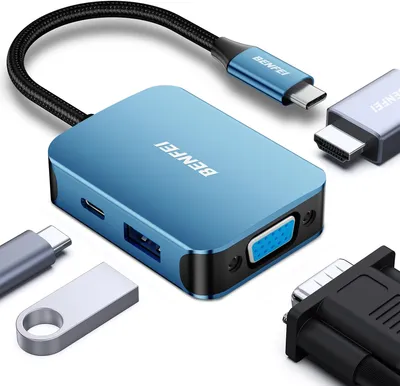
BENFEI
₹2,069₹2,60020% off
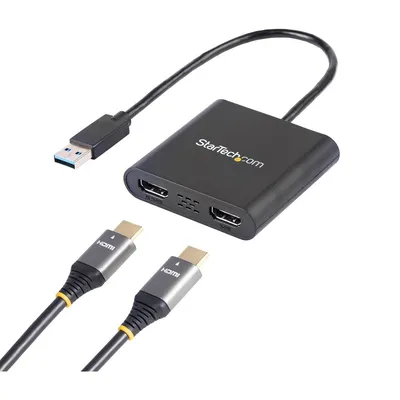
StarTech.com
₹6,119₹7,00012% off
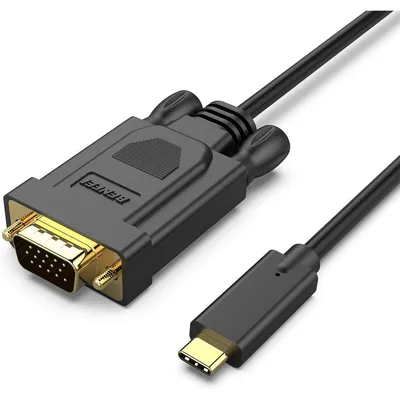
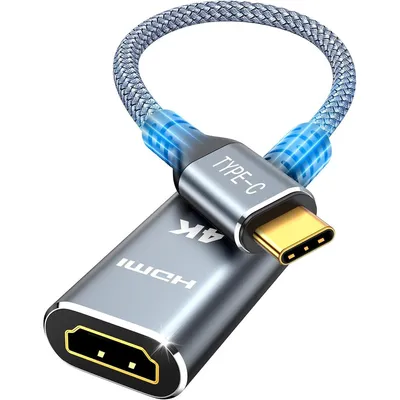
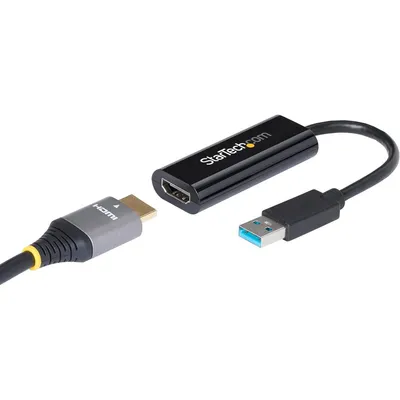
StarTech.com
₹4,829₹5,50012% off
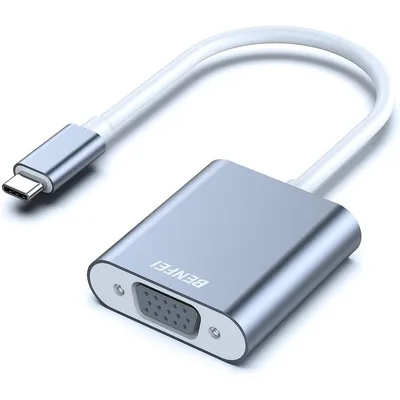
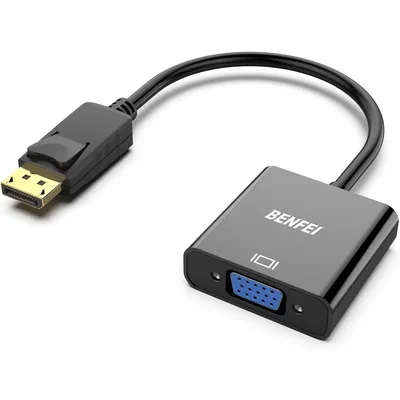
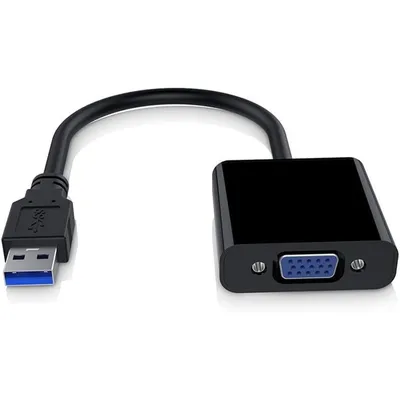
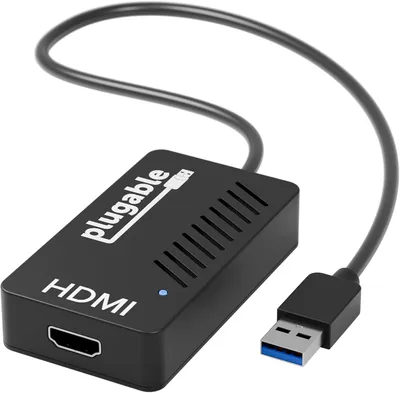
Standard USB 3.0 ports do not natively output video signals on their own. However, this Fly Kan adapter functions as an external graphics card using a dedicated built-in chipset to convert data from your USB 3.0 port into high-definition video signals for multiple external monitors.
You can set up dual monitors easily by plugging this adapter into your computer's USB 3.0 port. Then, connect one monitor to the adapter's HDMI port and the second monitor to either the VGA port or the DVI-D port to output to both screens simultaneously.
Yes, a USB to VGA configuration using this external adapter is highly effective for expanding your desktop to multiple screens. It is perfect for handling daily office applications, web browsing, data entry, and spreadsheets across independent displays.
Yes, this is a 100% genuine Fly Kan product. At Dropy, we source our electronics and tech accessories directly from the United States of America to guarantee authentic quality, certified safety standards, and reliable performance for Indian consumers.
No, this adapter does not require an external power source or wall outlet. It is fully USB bus-powered, drawing all the necessary operating power directly from your laptop or desktop computer's USB 3.0 port for a clean and portable workspace setup.
Most orders arrive in 15–20 days: we source each product directly from the USA, check it at our Navi Mumbai warehouse and pack it on video. Items marked Dropy Express ship from our India warehouse and arrive in 3–5 days.
Full cash on delivery is available all over India on Dropy Express items. For other orders from ₹2,499 to ₹15,000 you can use Partial COD: pay 25% online now and the rest in cash on delivery.
Yes. Every product is 100% authentic, sourced directly from the USA, quality-checked and packed on video at our Navi Mumbai warehouse.
Write to us at [email protected] as soon as it arrives. Damaged, wrong or not as described, our Buyer Protection gives you a full refund. The details are in our Return, Refund & Cancellation Policy.
Delivery is free on orders from ₹1,499. Below that a ₹79 delivery fee applies.