Logitech
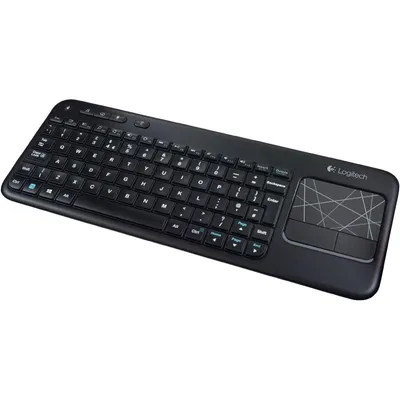
Logitech Touch Keyboard K400 Wireless Media Keyboard With Built In Multi Touch Touchpad Black 1 Count
₹17,229₹18,1004% off
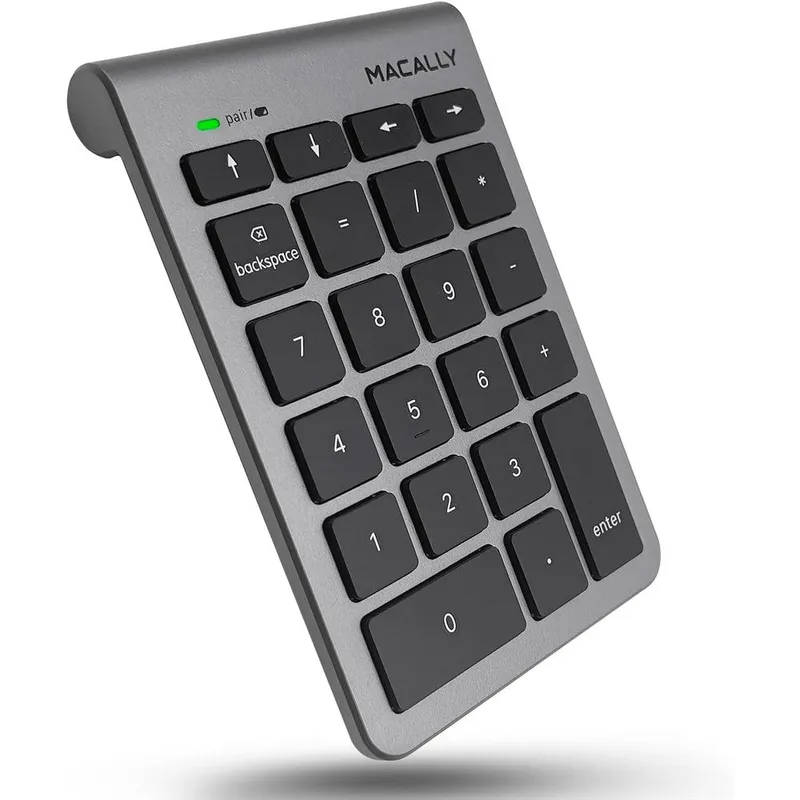
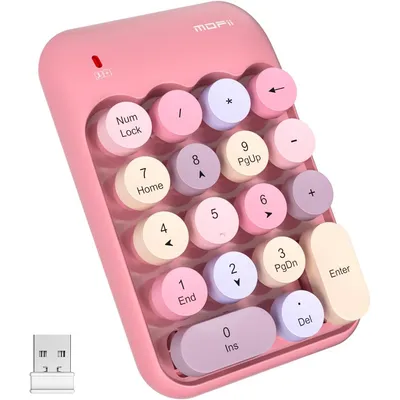
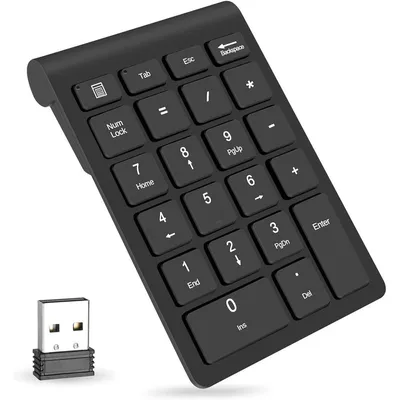
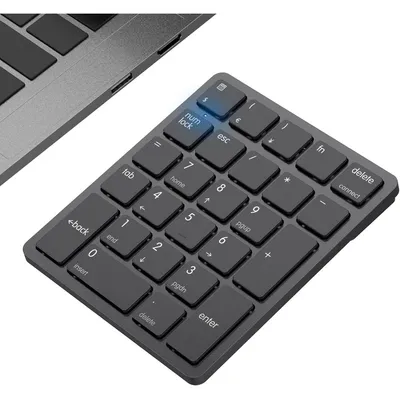
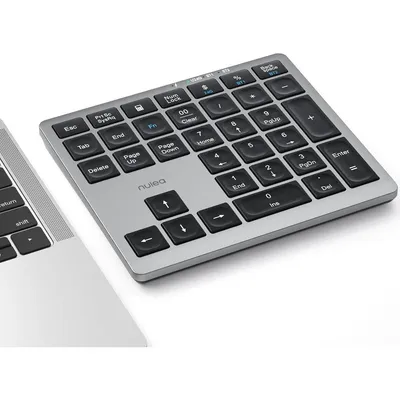
The Macally Bluetooth Wireless Numeric Keypad is a premium data entry solution designed for accountants, bookkeepers, and office professionals who rely on spreadsheet efficiency. Imported directly from the USA, this authentic peripheral introduces a streamlined 22-key layout to compact laptops and Apple MacBook configurations.
Built around highly responsive, low-profile scissor switches, the keypad ensures quiet, tactile keystrokes that reduce finger fatigue during intense typing sessions. Beyond standard numeric inputs, this advanced numpad incorporates specialized navigation features including full-size left, right, up, and down arrow keys, alongside dedicated tab, clear, and backspace functions.
This enables effortless cell-to-cell navigation without requiring you to move your hands back to the main computer keyboard. Power management is streamlined through an integrated automatic sleep mode that extends the life of a standard Triple-A battery up to four hundred hours of continuous usage.
The lightweight, ergonomically tilted design naturally fits the contours of your hand to prevent wrist strain, making it an essential accessory for mobile workspaces and desktop setups alike.
High-grade space gray acrylonitrile butadiene styrene plastic casing, premium internal silicone membrane dome switches, zinc-plated battery contact terminals, integrated Bluetooth transceiver module circuit board.
As printed by the brand. Check the pack label if you have an allergy.
| Brand | Macally |
|---|---|
| Category | Numeric Keypads |
| UPC | 701107497600 |
| Ships from | USA (sourced directly), checked in Navi Mumbai |
| Sold by | Dropy.in |
Ratings & reviews
Logitech
₹17,229₹18,1004% off
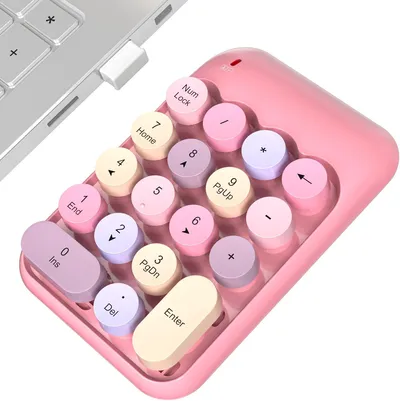
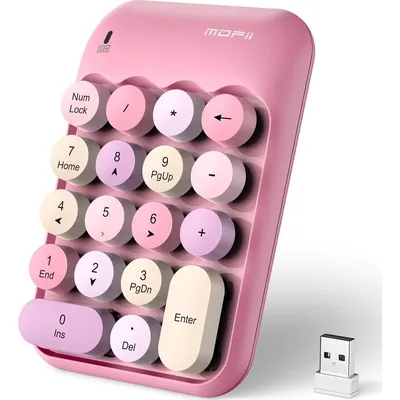
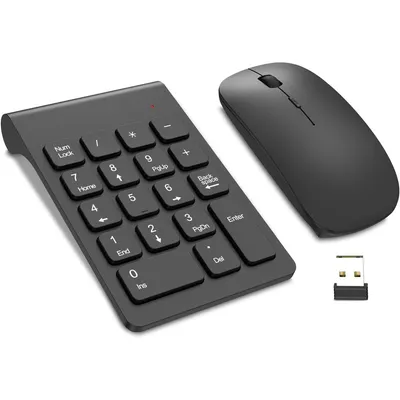
Turn the power switch to the On position. Press and hold the Enter key and the Up Arrow key together until the LED indicator begins flashing green, which signals that the numpad is ready to connect.
Enable Bluetooth in your laptop system settings. Activate pairing mode on the numeric keypad, look for the device name in your laptop's available Bluetooth connections list, and click pair to complete the setup without software.
Ensure the device is turned on, has a fresh battery, and is properly paired via Bluetooth. On Mac systems, also verify that the Mouse Keys setting is turned off in the Accessibility preferences, as this feature can block numeric inputs.
Yes, this is a one hundred percent authentic Macally product. Dropy India sources these premium peripherals directly from authorized distributors in the United States, guaranteeing genuine quality and original packaging for Indian buyers.
No, this keypad utilizes standard built-in Bluetooth technology. It connects directly to any Bluetooth-enabled laptop, tablet, or smartphone without taking up an valuable USB port with an external receiver.
Most orders arrive in 15–20 days: we source each product directly from the USA, check it at our Navi Mumbai warehouse and pack it on video. Items marked Dropy Express ship from our India warehouse and arrive in 3–5 days.
Full cash on delivery is available all over India on Dropy Express items. For other orders from ₹2,499 to ₹15,000 you can use Partial COD: pay 25% online now and the rest in cash on delivery.
Yes. Every product is 100% authentic, sourced directly from the USA, quality-checked and packed on video at our Navi Mumbai warehouse.
Write to us at [email protected] as soon as it arrives. Damaged, wrong or not as described, our Buyer Protection gives you a full refund. The details are in our Return, Refund & Cancellation Policy.
Delivery is free on orders from ₹1,499. Below that a ₹79 delivery fee applies.