Logitech
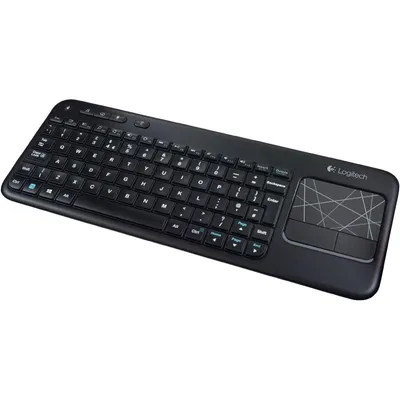
Logitech Touch Keyboard K400 Wireless Media Keyboard With Built In Multi Touch Touchpad Black 1 Count
₹17,229₹18,1004% off
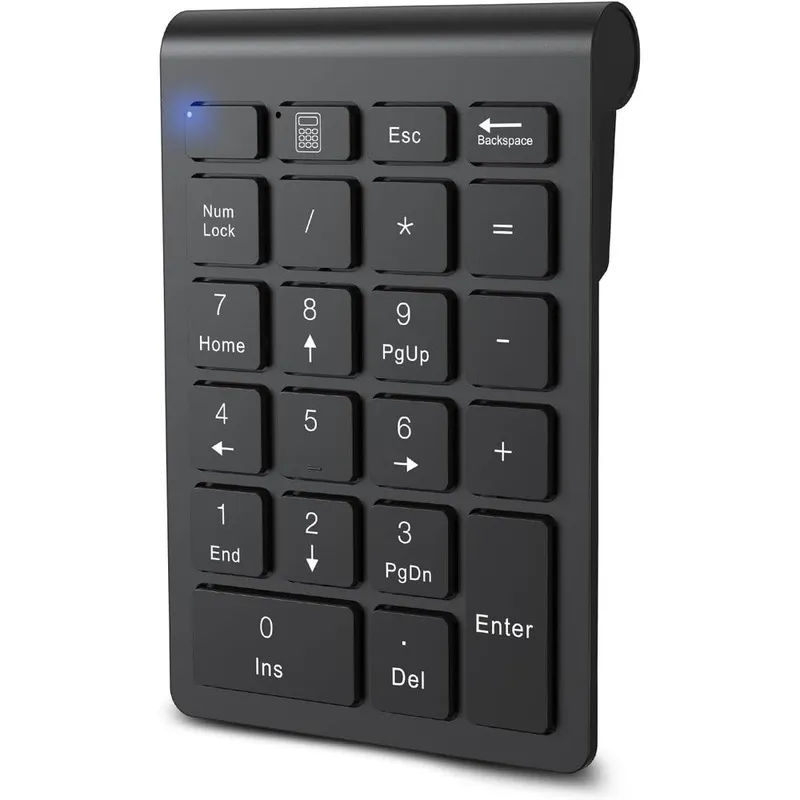
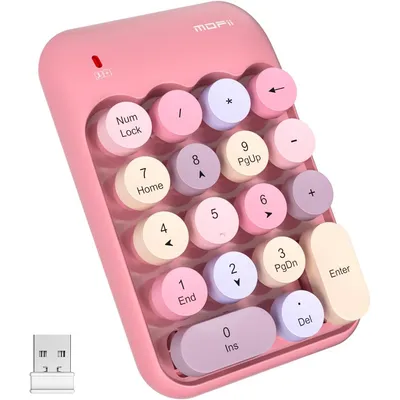
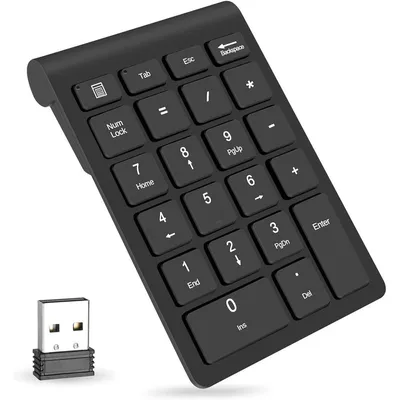
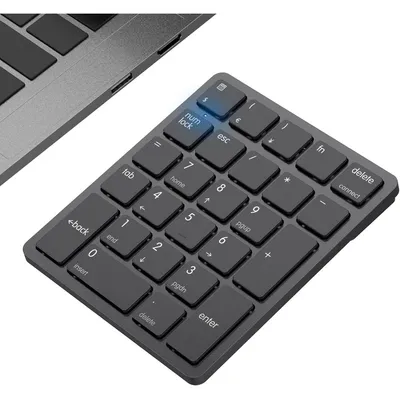
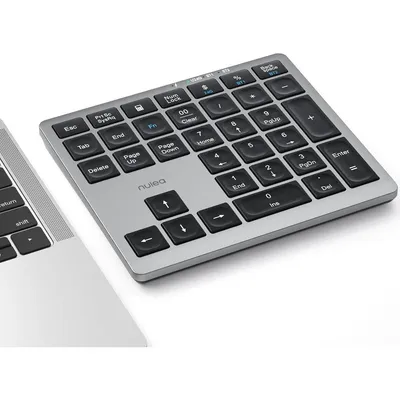
The Cimetech Bluetooth Wireless Numeric Keypad is a premium 22-key extension keyboard designed specifically for accountants, data analysts, and financial professionals who rely heavily on spreadsheet management. Featuring a sleek, compact profile, this portable numpad integrates effortlessly into your daily workspace without cluttering your desk. Equipped with silent scissor-switch keys, it reduces typing noise by over ninety percent while providing a crisp, tactile rebound for mistake-free typing.
The integrated fifteen-degree ergonomic tilt minimizes wrist strain during prolonged usage sessions. Built for maximum efficiency, it features essential high-frequency navigation keys like NumLock, Escape, Tab, and Delete, alongside a dedicated one-touch calculator shortcut key. This premium tech accessory operates via a stable, cable-free Bluetooth 5.0 connection, allowing seamless data entry up to ten meters away from your computer.
Ideal for business travel or home office setups, this lightweight numeric pad elevates your data logging productivity on compact laptops, notebooks, and Surface Pro devices.
Not Applicable for electronic hardware accessories.
As printed by the brand. Check the pack label if you have an allergy.
| Brand | cimetech |
|---|---|
| Category | Numeric Keypads |
| Ships from | USA (sourced directly), checked in Navi Mumbai |
| Sold by | Dropy.in |
Ratings & reviews
Logitech
₹17,229₹18,1004% off
Macally
₹4,719₹5,40012% off
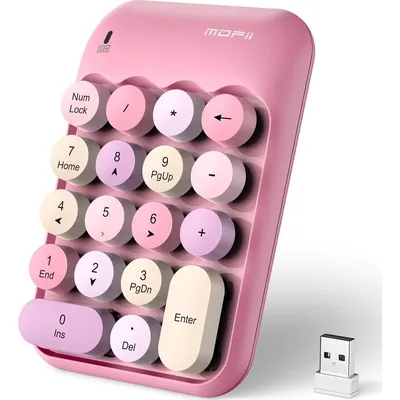
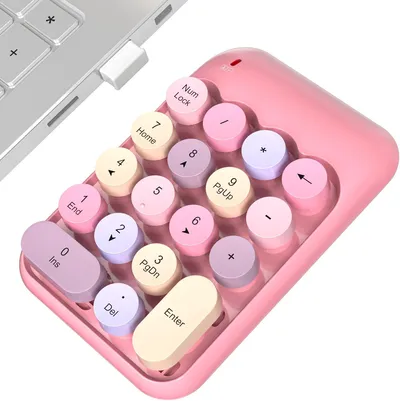
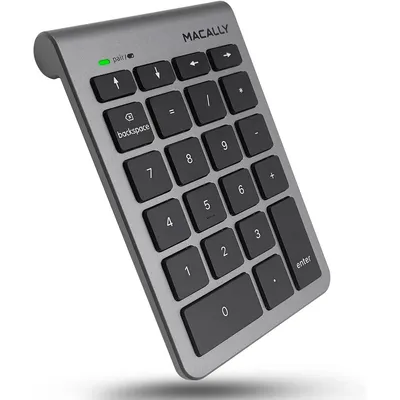
A numeric keypad on a laptop is a dedicated section of keys arranged in a grid, typically featuring numbers zero through nine and basic mathematical operators. It is designed to mimic a standard calculator layout, enabling faster and more efficient numerical data entry than the standard horizontal number row.
To pair the numeric pad, open your laptop or Surface Pro's Bluetooth settings menu. Ensure the keypad has fresh batteries, turn it on, and hold down the connection button until the indicator light flashes. Select the Cimetech numeric keypad from the discovered devices list on your screen to complete the wireless synchronization without any drivers.
If the NumLock key functions unexpectedly, press it once to toggle the primary input state back to numbers. On certain operating systems like macOS, function shortcuts and alternative commands may vary, but the main numeric keypad entry keys will continue to register inputs consistently.
Yes, this Cimetech numeric keypad is a completely authentic USA import. Dropy India sources these products directly from trusted distributors in the United States, ensuring that Indian professionals receive genuine tech accessories with uncompromised build quality.
No, this specific model utilizes native Bluetooth 5.0 wireless technology to connect directly to your laptop or desktop computer. This ensures a clean, cable-free desktop setup and keeps your machine's valuable USB ports completely open for other necessary peripherals.
Most orders arrive in 15–20 days: we source each product directly from the USA, check it at our Navi Mumbai warehouse and pack it on video. Items marked Dropy Express ship from our India warehouse and arrive in 3–5 days.
Full cash on delivery is available all over India on Dropy Express items. For other orders from ₹2,499 to ₹15,000 you can use Partial COD: pay 25% online now and the rest in cash on delivery.
Yes. Every product is 100% authentic, sourced directly from the USA, quality-checked and packed on video at our Navi Mumbai warehouse.
Write to us at [email protected] as soon as it arrives. Damaged, wrong or not as described, our Buyer Protection gives you a full refund. The details are in our Return, Refund & Cancellation Policy.
Delivery is free on orders from ₹1,499. Below that a ₹79 delivery fee applies.