Logitech
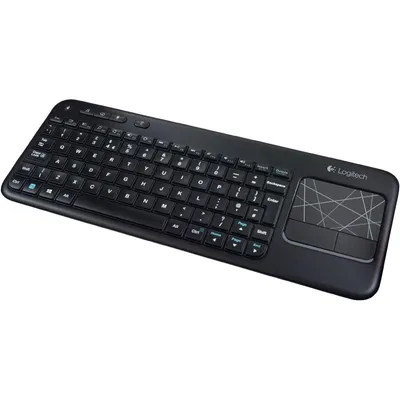
Logitech Touch Keyboard K400 Wireless Media Keyboard With Built In Multi Touch Touchpad Black 1 Count
₹17,229₹18,1004% off
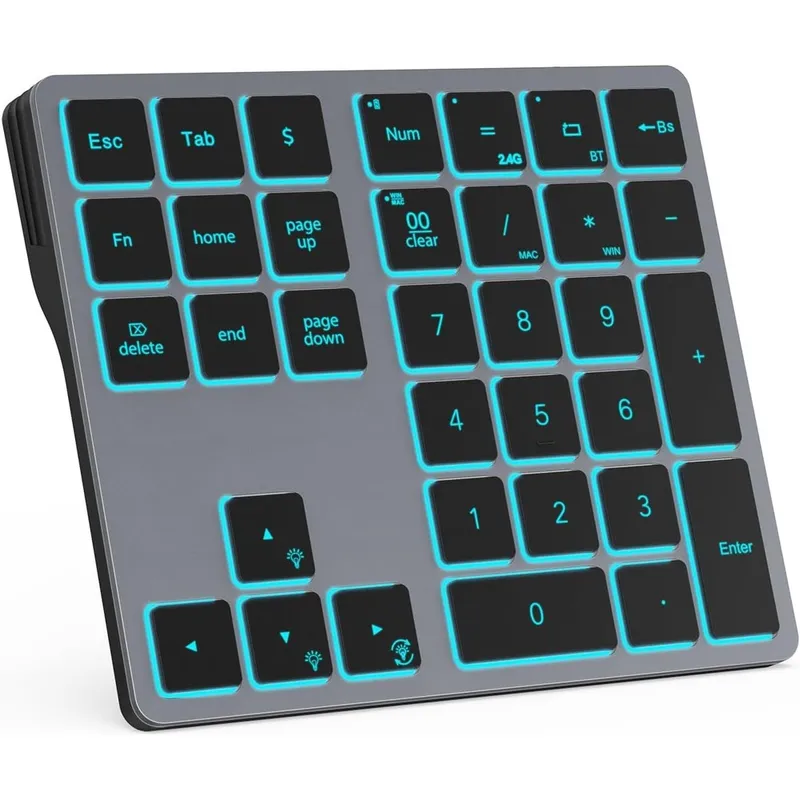
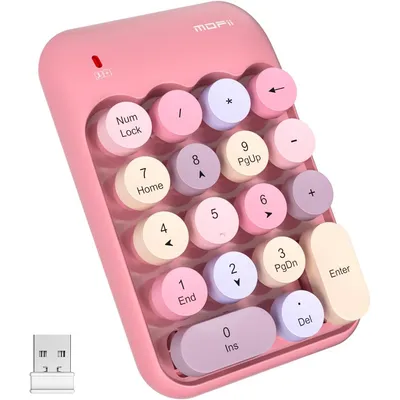
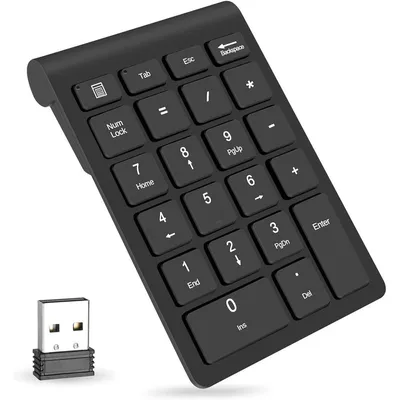
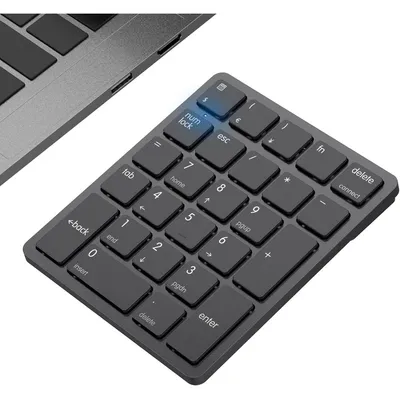
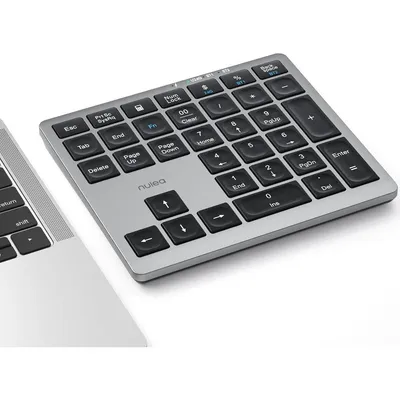
The Doohoeek Dual Mode Wireless Numeric Keypad is an essential premium productivity tool engineered for professionals, accountants, financial analysts, and data entry specialists who require intensive number crunching on compact keyboards. This sleek, external thirty-four key number pad effortlessly restores the convenience of a full desktop setup to sleek modern laptops, MacBooks, iPads, and tablets.
Designed with premium aluminum housing panels and high-quality durable ABS material, it withstands daily heavy usage while resisting scratches and accidental damage. Dual-mode connectivity enables immediate shifting between Bluetooth 5.1 and stable 2.4G USB wireless transmission with a simple shortcut key sequence.
It boasts an integrated seven-color RGB backlighting module featuring three adjustable brightness steps, ensuring error-free data input in dimly lit workspaces or late-night corporate environments. Fully optimized for cross-platform utility, this numeric device accommodates Windows, macOS, and iOS protocols natively.
The built-in long-lasting rechargeable cell features an intelligent automatic sleep power-saving mode, offering hundreds of hours of standalone continuous productivity on a singular charge cycle.
Not Applicable for electronic hardware computer accessories.
As printed by the brand. Check the pack label if you have an allergy.
| Brand | Doohoeek |
|---|---|
| Category | Numeric Keypads |
| Ships from | USA (sourced directly), checked in Navi Mumbai |
| Sold by | Dropy.in |
Ratings & reviews
Logitech
₹17,229₹18,1004% off
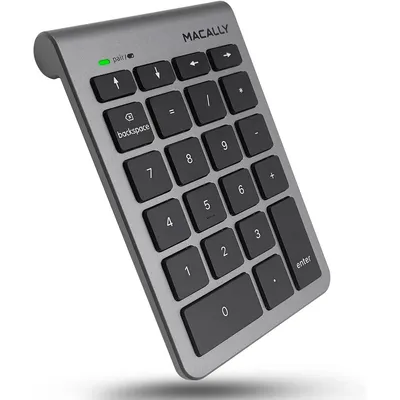
Macally
₹4,719₹5,40012% off
Turn on the numeric keypad using the power switch. Press the Fn and BT buttons together to enter pairing mode, then locate and select the Doohoeek keypad within your device's Bluetooth settings menu to establish a permanent wireless link.
Yes, this number pad features full universal compatibility with macOS and iOS. You can quickly switch the internal layout configurations to support Apple systems by pressing the Fn and MAC shortcut buttons.
The seven color customizable RGB backlighting system can be manually adjusted directly from the hardware. Simply press the Fn key in combination with the directional arrow keys to scroll through colors and change brightness levels.
Yes, this is a one hundred percent genuine product imported directly from the USA. Dropy India sources all personal tech, beauty, and health care items directly from original manufacturers and authorized distributors in the United States to guarantee authenticity for Indian consumers.
This premium computing peripheral is built with a highly convenient integrated rechargeable battery system. It recharges safely using a standard charging cable included inside the retail packaging, running up to two hundred and twenty hours when backlighting is inactive.
Most orders arrive in 15–20 days: we source each product directly from the USA, check it at our Navi Mumbai warehouse and pack it on video. Items marked Dropy Express ship from our India warehouse and arrive in 3–5 days.
Full cash on delivery is available all over India on Dropy Express items. For other orders from ₹2,499 to ₹15,000 you can use Partial COD: pay 25% online now and the rest in cash on delivery.
Yes. Every product is 100% authentic, sourced directly from the USA, quality-checked and packed on video at our Navi Mumbai warehouse.
Write to us at [email protected] as soon as it arrives. Damaged, wrong or not as described, our Buyer Protection gives you a full refund. The details are in our Return, Refund & Cancellation Policy.
Delivery is free on orders from ₹1,499. Below that a ₹79 delivery fee applies.