Logitech
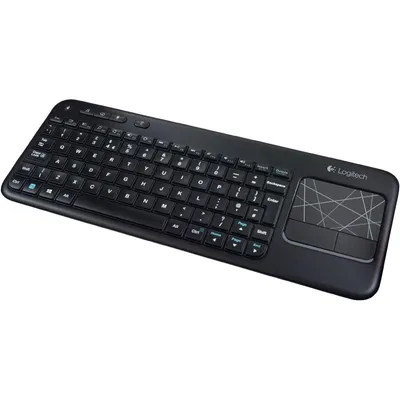
Logitech Touch Keyboard K400 Wireless Media Keyboard With Built In Multi Touch Touchpad Black 1 Count
₹17,229₹18,1004% off
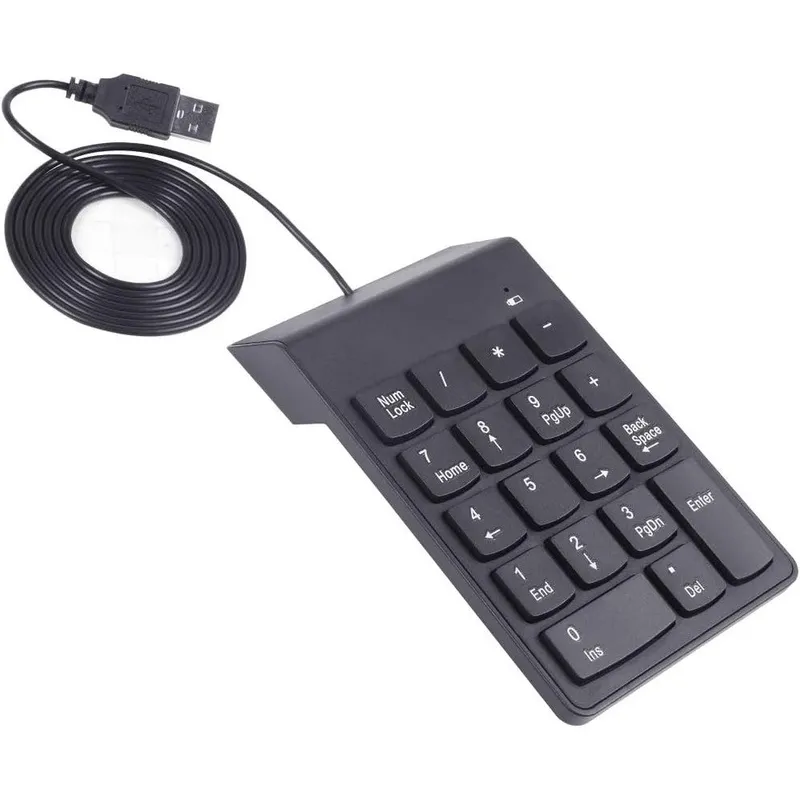
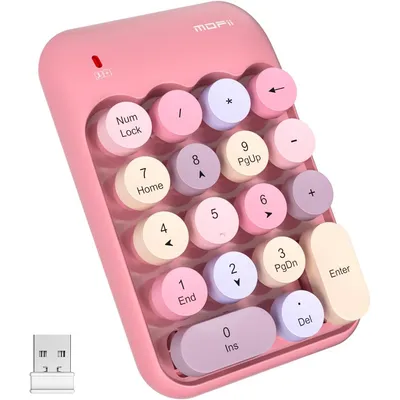
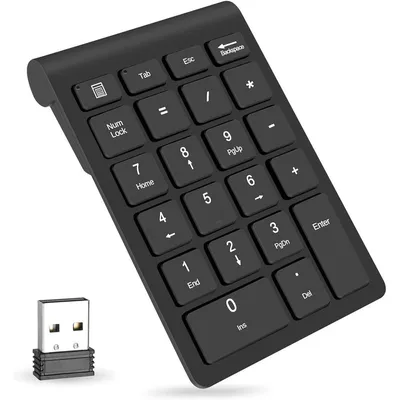
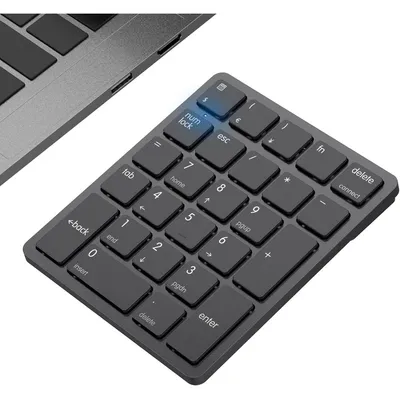
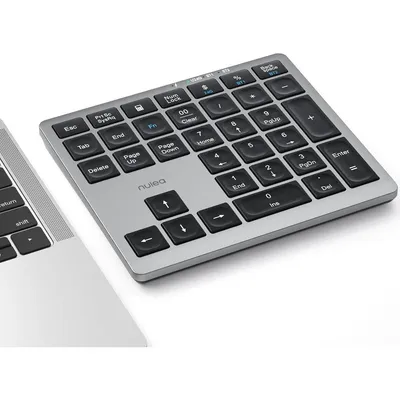
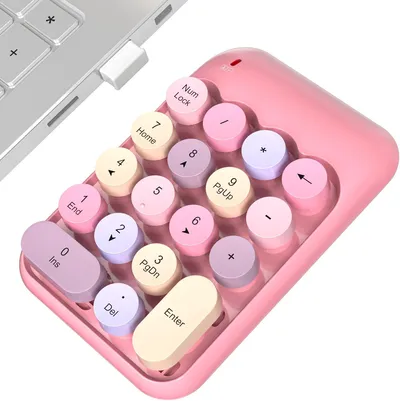
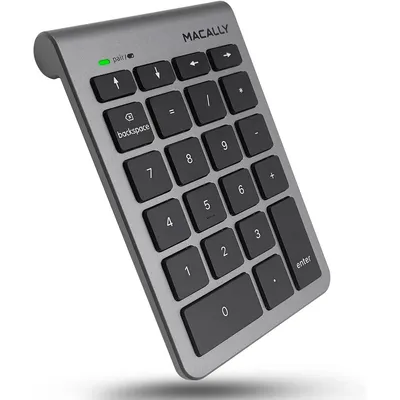
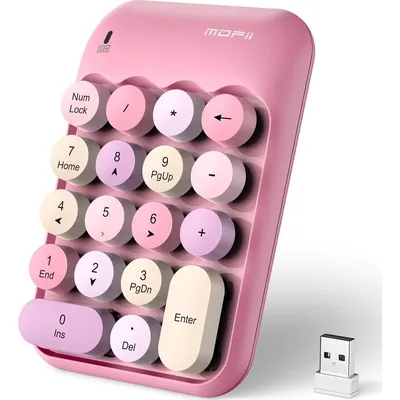
The Kadaon USB Numeric Keypad is an essential peripheral designed to streamline data entry, accounting workflows, and spreadsheet management. Built for professionals who frequently work with financial figures, this external number pad instantly adds a dedicated 18-key layout to laptops, notebooks, and compact desktop keyboards that lack an integrated numeric section. Featuring standard numbers from zero to nine, core arithmetic operators, a decimal point, and an Enter key, it provides a comprehensive setup for rapid calculations.
The peripheral connects effortlessly via a reliable wired USB Type A cable, eliminating the need for battery replacements, software installations, or complex driver setups. Users can simply plug the device into any available USB port on their computer to begin working immediately. Designed with ergonomics in mind, the keypad features an integrated gentle tilt that aligns naturally with the wrist to reduce strain during extended typing sessions.
Underneath each keycap lies a durable, whisper-quiet membrane switch rated for millions of keystrokes, providing comfortable, tactile feedback without disruptive noise. The lightweight and slim form factor makes it highly portable, sliding easily into laptop sleeves and travel bags for productivity on the go. This external number pad is fully compatible across multiple operating systems, working seamlessly alongside Windows, macOS, and Linux setups.
High impact acrylonitrile butadiene styrene plastic housing, copper core insulated polyvinyl chloride USB cable, elastomeric silicone rubber membrane dome switches, and integrated circuit board.
As printed by the brand. Check the pack label if you have an allergy.
| Brand | Kadaon |
|---|---|
| Category | Numeric Keypads |
| UPC | 606719385799 |
| Ships from | USA (sourced directly), checked in Navi Mumbai |
| Sold by | Dropy.in |
Ratings & reviews
Logitech
₹17,229₹18,1004% off
Macally
₹4,719₹5,40012% off
You simply connect the external number pad into an available USB port on your laptop. Once connected, the operating system registers it automatically, allowing you to use the standard numeric layout for calculations and spreadsheets instantly.
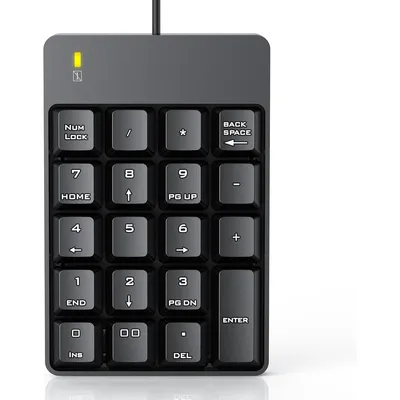
This keypad features a standard 18-key configuration. It includes digits zero through nine, basic arithmetic operators for addition, subtraction, multiplication, and division, a decimal point key, an Enter key, a Backspace key, and a dedicated Num Lock key.
No, this device utilizes universal standard keyboard drivers built into modern operating systems. It functions as a plug and play device on macOS as well as Windows and Linux computers without requiring separate utility installations.
Yes, this is an authentic imported product sourced directly from the United States of America. Dropy India handles the import process to guarantee that you receive original, genuine tech accessories at your doorstep.
The Num Lock key acts as a functional toggle switch. When activated, it enables standard numeric input; when disabled, the keys can serve as secondary directional controls and cursor navigation commands depending on your software setup.
Most orders arrive in 15–20 days: we source each product directly from the USA, check it at our Navi Mumbai warehouse and pack it on video. Items marked Dropy Express ship from our India warehouse and arrive in 3–5 days.
Full cash on delivery is available all over India on Dropy Express items. For other orders from ₹2,499 to ₹15,000 you can use Partial COD: pay 25% online now and the rest in cash on delivery.
Yes. Every product is 100% authentic, sourced directly from the USA, quality-checked and packed on video at our Navi Mumbai warehouse.
Write to us at [email protected] as soon as it arrives. Damaged, wrong or not as described, our Buyer Protection gives you a full refund. The details are in our Return, Refund & Cancellation Policy.
Delivery is free on orders from ₹1,499. Below that a ₹79 delivery fee applies.