Logitech
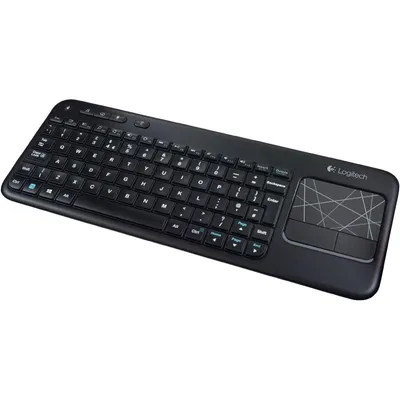
Logitech Touch Keyboard K400 Wireless Media Keyboard With Built In Multi Touch Touchpad Black 1 Count
₹17,229₹18,1004% off
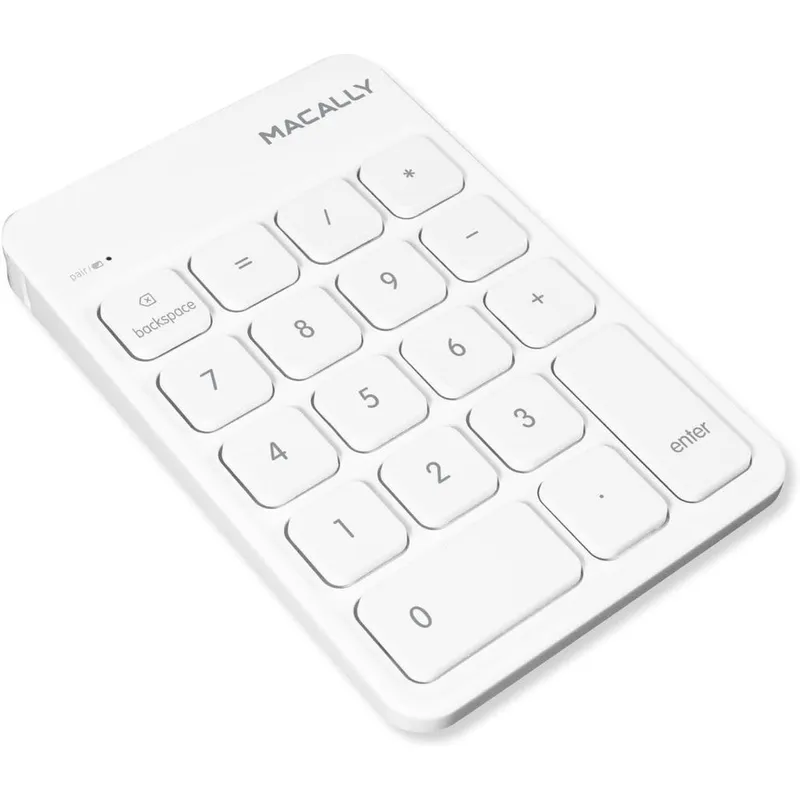
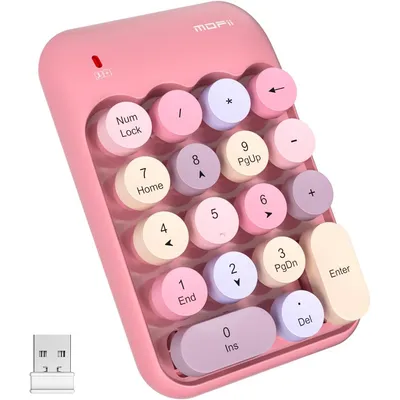
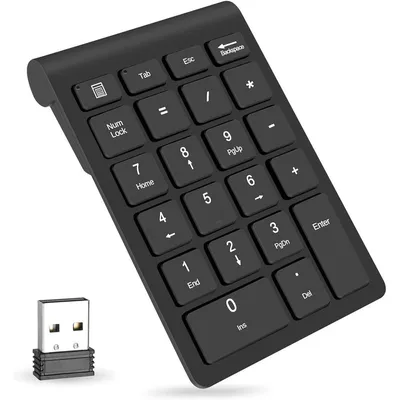
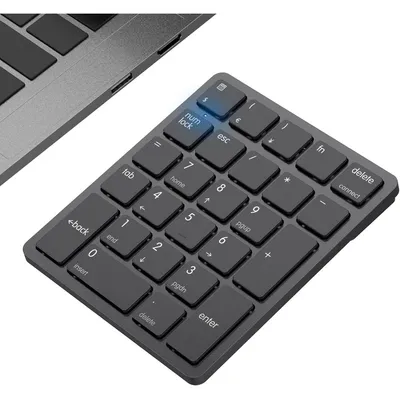
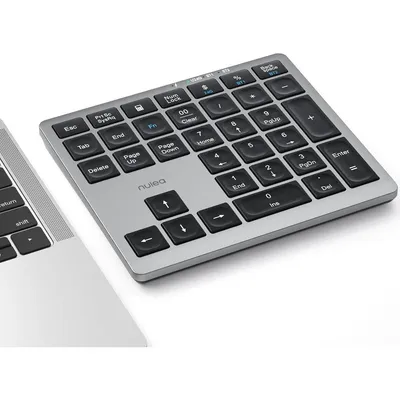
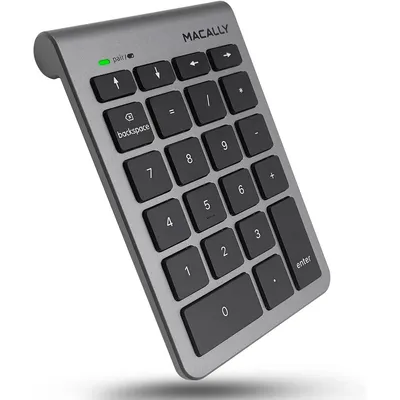
The Macally Wireless Bluetooth Numeric Keypad is the perfect workflow extension for spreadsheet professionals, accountants, and students using compact laptops or keyboards. Imported directly from the USA, this premium number pad features an eighteen key layout equipped with standard mathematical operators, a dedicated clear backspace key, and an equal sign to maximize data entry speed and efficiency.
Designed with quiet scissor switch keys, it provides a tactile yet nearly silent typing experience. The built-in lithium ion rechargeable battery offers up to thirty days of continuous use on a single charge, complete with an automatic power saving sleep mode.
Its sleek, ultra slim design includes an ergonomic tilted slope that mimics full size desktop keyboards, effectively minimizing wrist strain during long hours of financial data entry. Operating via standard wireless pairing without the need for additional drivers or a USB dongle, it offers clean, clutter free workspace integration for Apple MacBook Pro, MacBook Air, iMac, iPad, Windows PC, and Android tablets.
Polycarbonate housing, premium lithium-ion rechargeable battery cell, scissor-switch mechanical key stabilizers, integrated Bluetooth wireless module, internal printed circuit board components.
As printed by the brand. Check the pack label if you have an allergy.
| Brand | Macally |
|---|---|
| Category | Numeric Keypads |
| UPC | 701107498492 |
| Ships from | USA (sourced directly), checked in Navi Mumbai |
| Sold by | Dropy.in |
Ratings & reviews
Logitech
₹17,229₹18,1004% off
Macally
₹4,719₹5,40012% off
Turn on the keypad using the power switch on the device. Press and hold the pairing button for three to five seconds until the status LED begins flashing rapidly. Open your computer or tablet's Bluetooth settings menu, look for the device named BTNUMKEY, and click connect to pair without any external drivers.
Once connected to your Mac via Bluetooth, this external numeric keypad acts as an automatic hardware extension. You can instantly type numbers and use mathematical operators inside applications like Excel or Numbers without needing to press a Clear or Num Lock key.
Locate the physical toggle switch positioned on the back or side edge of the keypad. Slide the switch to the ON position, which will briefly illuminate the LED indicator light on the top front surface to verify the battery is powered.
Yes, this Macally numeric keypad is a completely authentic item imported directly from the USA. Dropy India sources these premium workspace accessories directly from authorized US distributors to ensure genuine performance for Indian consumers.
Yes, it features cross platform compatibility that supports both Mac and PC systems. It operates flawlessly on Mac OS X v10.6 or later, as well as Windows 7, 8, 10, and 11 versions equipped with standard Bluetooth connectivity.
Most orders arrive in 15–20 days: we source each product directly from the USA, check it at our Navi Mumbai warehouse and pack it on video. Items marked Dropy Express ship from our India warehouse and arrive in 3–5 days.
Full cash on delivery is available all over India on Dropy Express items. For other orders from ₹2,499 to ₹15,000 you can use Partial COD: pay 25% online now and the rest in cash on delivery.
Yes. Every product is 100% authentic, sourced directly from the USA, quality-checked and packed on video at our Navi Mumbai warehouse.
Write to us at [email protected] as soon as it arrives. Damaged, wrong or not as described, our Buyer Protection gives you a full refund. The details are in our Return, Refund & Cancellation Policy.
Delivery is free on orders from ₹1,499. Below that a ₹79 delivery fee applies.